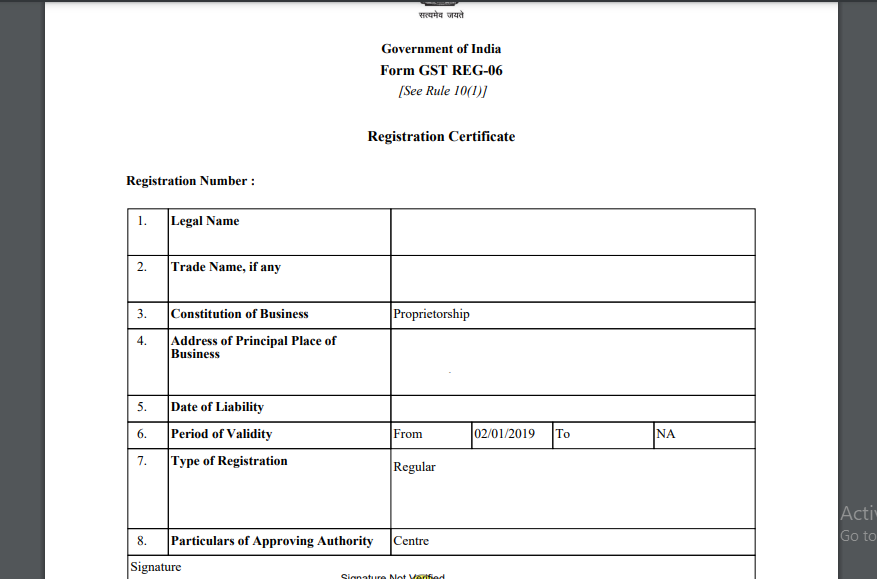
GST Certificate is issued to people who are registered under GOODS AND SERVICE TAX(GST). Those are having GST registration certificate are mandatorily required to display the registration certificate prominently at their place of business. This is a easy process and anyone can download the GST certificate from www.gst.gov.in website. After having registered under GST first thing is to create GST ID and Password for the account. After that you can able to download.
Download Process Explained:-
Step 1.
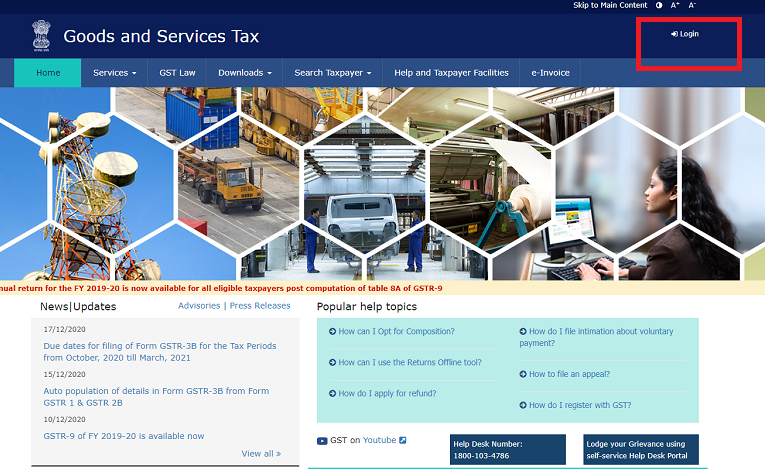
Open www.gst.gov.in. Click on Login button.
Step 2.
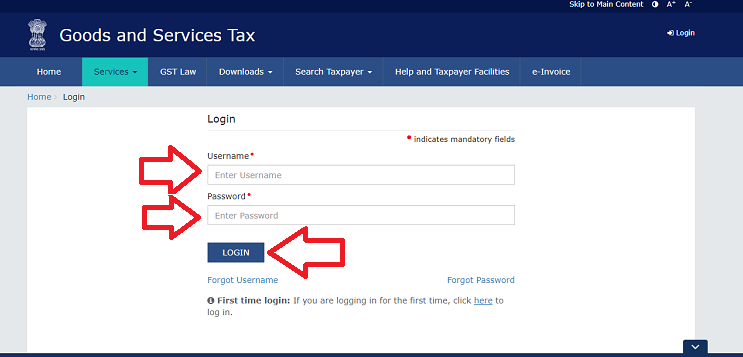
Login your GST account by ID and Password.
Step 3.
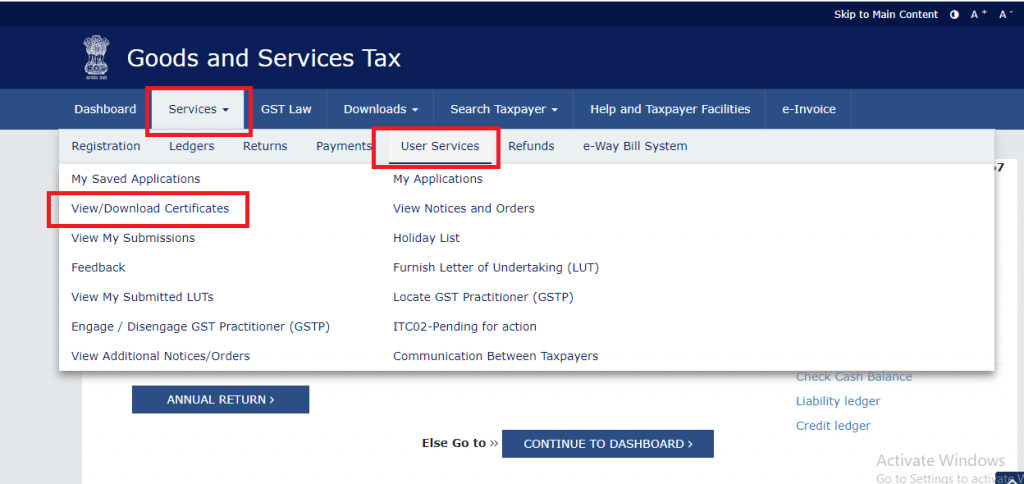
Hover on Service menu, user services and click on View/Download Certificate